In Google Analytics 4, source identifies an origin such as google, bing, meta or a partner. Medium describes the acquisition mechanism, such as organic, cpc, email, paid_social or referral. Together, source / medium can produce values such as google / organic and google / cpc.
That definition is only the beginning. GA4 has user-, session- and event-scoped traffic-source dimensions. The same purchase can be associated with one source when you ask who first acquired the user, another when you ask what started the current session and fractional credit across several sources in an attribution report.
Accurate reporting therefore requires more than lowercase UTMs. It requires the right scope, reliable auto-tagging, preserved URL parameters, cross-domain configuration and a clear distinction between Direct, Unassigned and (not set).
TL;DR
Sourceis the identifiable origin;Mediumis the acquisition mechanism.- Always name the scope:
First user source / medium,Session source / mediumor event-scopedSource / medium. - Use manual UTM parameters on external inbound links you control, such as email, QR, partner and non-integrated paid campaigns.
- Never add acquisition UTMs to internal site links. They can overwrite campaign context. Track internal promotions with ecommerce or custom events.
- Prefer Google Ads auto-tagging and link Google Ads with GA4. Auto-tagging adds the click identifier and unlocks richer Ads dimensions.
- GA4 channel groups are rule based. Google Ads traffic can also use source platform, ad-network type and campaign type—not only UTM source and medium.
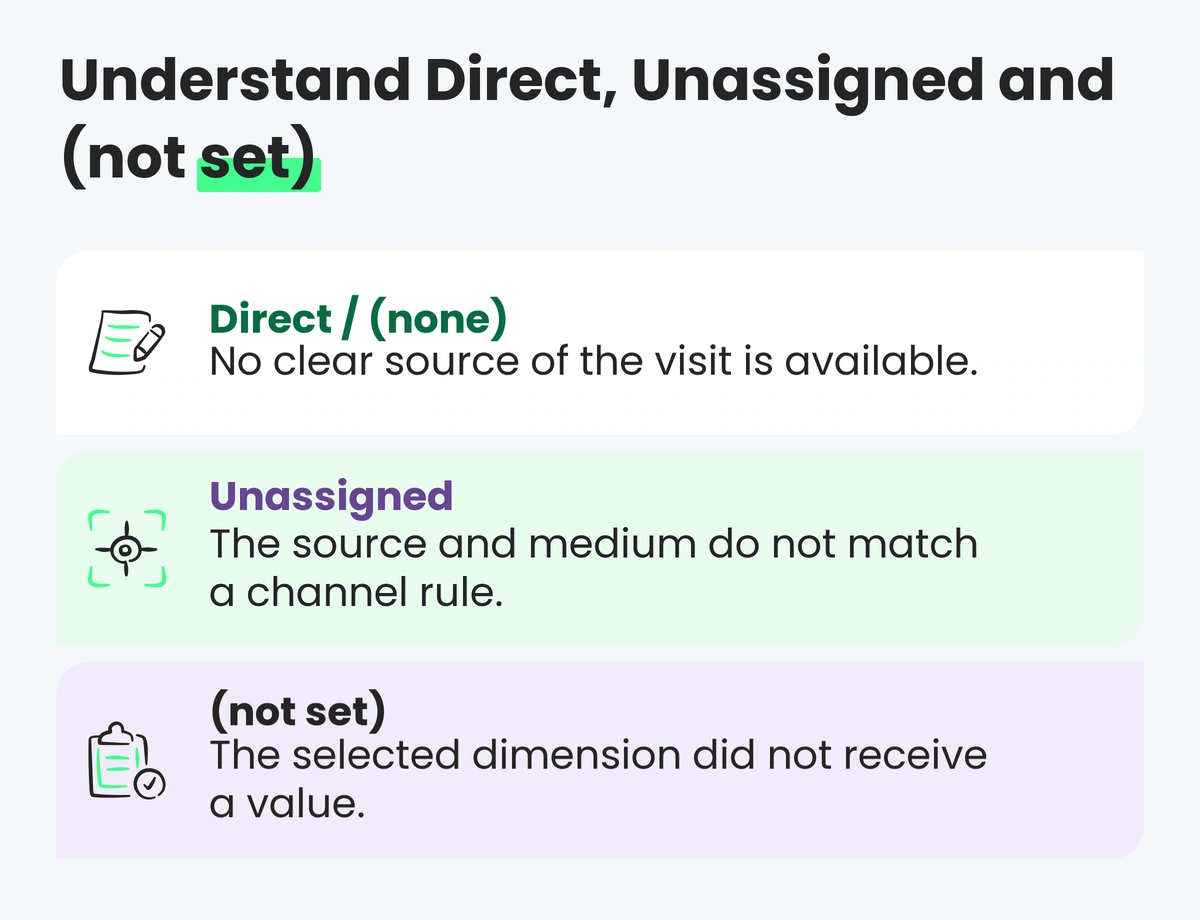
(direct) / (none)means GA4 has no clear referral source for that traffic context. It includes genuine direct visits and traffic whose source signal was lost.Unassignedmeans no default-channel rule matched;(not set)means GA4 did not receive a value for the selected dimension.
Source, medium and campaign: the basic fields
For a manually tagged campaign:
utm_sourcepopulates manual source;utm_mediumpopulates manual medium;utm_campaignpopulates manual campaign name;utm_idpopulates campaign ID;utm_contentcan distinguish creative or link variants;utm_termcan capture a keyword or another planned detail.
Example:
https://www.example.com/guide
?utm_source=crm
&utm_medium=email
&utm_campaign=2027_q1_product_launch
&utm_id=em_2027_001
&utm_content=hero_cta
GA4 can report this session's manual source / medium as crm / email. The campaign ID gives the organisation a stable join key even if a readable campaign name changes elsewhere.
Source and medium should answer different questions:
- source: which publisher, platform, list, partner or origin sent the traffic?
- medium: by which commercial mechanism did it arrive?
- campaign: which coordinated marketing initiative was responsible?
- content: which meaningful variant or placement was clicked?
There is no universal naming system for every company. There must be one controlled system inside the company.
The three traffic-source scopes in GA4
First user source / medium
First user source / medium is user scoped. It describes how GA4 first acquired that recognised user. It is used in the User acquisition report.
Use it for questions such as:
- Which sources acquire new recognised users?
- How do first-acquisition cohorts behave later?
- What was the recorded origin of customers who eventually purchased?
It is not the source of every later session and does not necessarily receive the purchase's event-scoped attribution credit.
Session source / medium
Session source / medium describes the source associated with the start of a session. It is the central dimension in the Traffic acquisition report.
Use it for questions such as:
- Which sources initiated sessions in this period?
- How engaged were sessions from email versus organic search?
- How much session-scoped revenue accompanied sessions from each source?
Google states that user- and session-scoped traffic-source dimensions follow paid-and-organic last-click rules and are unaffected by changes to the property's reporting attribution model.
Event-scoped Source / medium
Unprefixed Source / medium, when used for key-event attribution, is event scoped. GA4 distributes key-event credit according to the property's reporting attribution model. The default is data-driven attribution, so key events and revenue may be fractional across several sources.
Use it for questions such as:
- How is key-event credit allocated across eligible sources?
- How do last click and data-driven attribution differ?
- Which measured sources appear in key-event paths?
Do not compare these three scopes as if one row should reconcile exactly to another. They answer different questions. Our guide to last-click vs data-driven attribution explains the event-scoped layer in detail.
How GA4 obtains traffic-source information
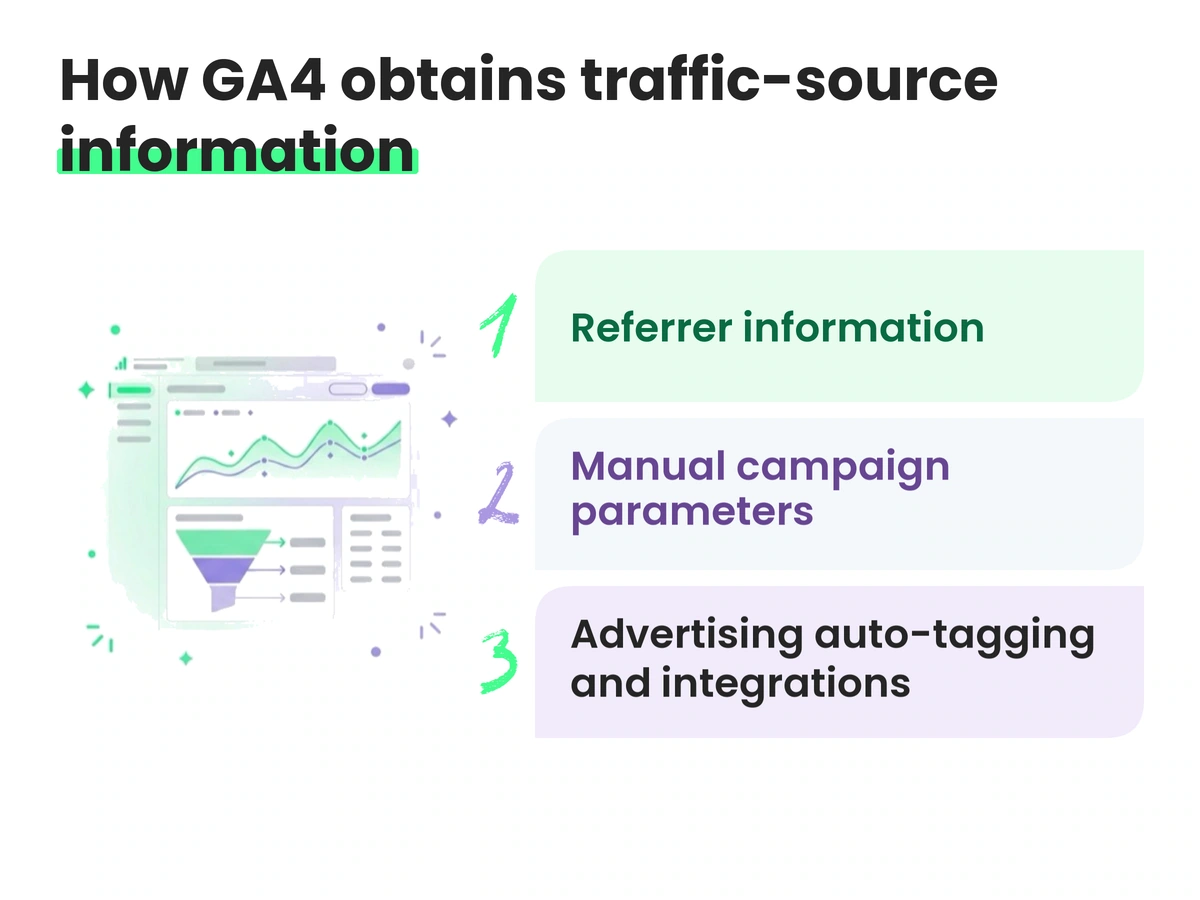
GA4 can use several inputs.
Referrer information
When a browser passes a referring URL, GA4 can identify the referring domain or a recognised search/social source. Unpaid Google Search traffic commonly appears as google / organic; an ordinary link from another site may appear with referral as the medium.
Referrer information can be absent because of browser behaviour, apps, documents, redirects, protocol changes or other technical conditions.
Manual campaign parameters
UTMs describe inbound campaign links controlled by the marketer. They are essential for many email, SMS, QR, partner, creator, affiliate and non-integrated advertising journeys.
The parameters must arrive intact on the landing page. A redirect, URL shortener, consent flow or misconfigured server can remove them before GA4 collects the page.
Advertising auto-tagging and integrations
Google Ads auto-tagging appends a Google Click Identifier (gclid) and enables richer campaign and cost reporting when the products are linked correctly. Google recommends auto-tagging where possible; in GA4, auto-tagged traffic-classification values take priority over manual source and medium.
Do not disable auto-tagging merely to force a preferred UTM label. Link the products, preserve click identifiers through redirects and use Ads/GA4 fields for the job they were designed to do. If manual parameters coexist, understand which manual dimensions remain available and which auto-tagged values take precedence.
Other advertising platforms have their own click IDs and integrations. Manual UTMs remain useful for a consistent cross-channel naming layer, but they do not replace platform identifiers needed for matching and conversion measurement.
How GA4 default channel groups work
A channel group rolls detailed sources into reporting categories such as:
- Organic Search;
- Paid Search;
- Organic Social;
- Paid Social;
- Email;
- Affiliates;
- Referral;
- Display;
- Organic Shopping and Paid Shopping;
- Cross-network;
- Direct;
- Unassigned.
The default channel group is maintained by Google and cannot be edited. Custom channel groups can be created for business-specific reporting without rewriting the collected source and medium values.
Channel classification is more complex than a simple lookup of two UTMs. For Google Ads, GA4 can use source platform, ad-network type and campaign type. For manual traffic, it evaluates source and medium against published rules and source-category lists. Those definitions can evolve.
For example, a manual paid-social session needs a recognised social source and a medium that matches GA4's paid rules, such as a value beginning with paid. meta / paid_social is therefore structurally clearer than inventing meta / ads_campaign_1 as a medium.
Keep raw names consistent even though Google's current default-channel rule matching is not case sensitive. Meta, meta and META can still fragment source-level reports and joins outside GA4.
Build a UTM taxonomy that survives the year
Create a data dictionary with an owner and allowed values.
Source
Choose a stable granularity. For paid social, decide whether you need facebook and instagram separately or one meta source. Do not alternate between them unintentionally.
Examples:
googlebingmetatiktokcrmpartner_namecreator_name
Medium
Use a small controlled vocabulary aligned with how GA4 classifies traffic and how the business reports it.
Examples:
emailsmscpcpaid_socialaffiliatereferraldisplayqr
Do not use campaign or platform names as mediums. Avoid synonyms such as paid-social, social_paid, paidsocial and paid_social within one property unless a documented migration requires them.
Campaign name and ID
Campaign names should be readable and governed. A possible structure is:
year_period_market_product_objective_offer
For example:
2027_q1_uk_service_demo_nurture
Use utm_id as a stable identifier when you need cost import, warehouse joins or durable campaign mapping. Do not encode personally identifiable information in URL parameters; URLs can be logged, shared and exposed in several systems.
Content and term
Use utm_content for a meaningful planned distinction such as placement, CTA or creative concept. Use utm_term only where it has a defined reporting role. More parameters do not create better analysis if nobody maintains their values.
Never use acquisition UTMs on internal links
An internal banner is not a new acquisition source. Adding utm_source=homepage_banner to a link from the homepage to a product page can introduce a new campaign interaction and overwrite the context that brought the user to the site.
This breaks questions such as “which external campaign started the session?” and can place your own promotion into source reports.
Use GA4's recommended ecommerce promotion events, such as view_promotion and select_promotion, or a documented custom-event design. Keep acquisition parameters for links that bring people into the measured journey.
Understand Direct, Unassigned and (not set)
(direct) / (none)
Google defines this as traffic without a clear referral source. It can include:
- a typed URL or bookmark;
- a link in an offline document;
- an untagged email, app or message;
- stripped UTM or click-ID parameters;
- a URL shortener or redirect that loses referral details;
- interference from an ad blocker;
- another visit where no eligible campaign information is available.
Direct is not automatically “bad data” and a high share is not proof of one tagging bug. Investigate landing pages, devices, browsers, campaign periods, redirects and known untagged sources. Short or memorable URLs and returning customer behaviour can generate genuine direct traffic.
Unassigned
Unassigned means the session or event data did not match a rule in the selected default channel group. Common causes include an unconventional manual medium, missing source/medium information or a configuration issue.
Inspect the underlying source, medium, campaign and source-platform values. If the taxonomy is intentionally different, a custom channel group may be appropriate; if the values are accidental, fix campaign generation at the source.
(not set)
(not set) is GA4's placeholder when it did not receive information for the selected dimension. For Session source / medium, Google lists tagging, consent-mode and implementation issues among the possible causes. (not set) can roll into Unassigned because no rule can match the absent values.
Do not replace all three labels with “unknown traffic” in a dashboard. Their causes and remedies differ.
Fix self-referrals correctly
A self-referral occurs when your own domain or a domain in the transaction journey appears to refer a new session back to the site. It can split a journey and displace the original acquisition source.
Owned domains
Use cross-domain measurement when one customer journey spans separate owned domains, such as a marketing site and checkout. GA4 passes identifiers in the _gl linker parameter so, where consent and implementation permit, the journey can remain one recognised user and session.
Verify that:
- every domain uses the intended web stream and tag;
- domains are listed in cross-domain settings;
- links or forms receive the
_glparameter; - redirects preserve
_gl; - scripts do not block link decoration;
- consent behaviour is tested in each region.
Third-party payment or booking domains
If a third-party domain sends the customer back after payment, it may need to be added to the unwanted-referrals list so it does not receive acquisition credit. Use this narrowly. An unwanted-referral entry ignores that referrer; it does not make an unmeasured third-party journey observable or repair lost identifiers.
Never solve self-referrals by adding UTMs to links between your own pages.
A practical implementation and QA workflow
1. Inventory inbound links
List paid platforms, email systems, SMS, affiliates, partners, creators, QR codes, documents and apps. Identify auto-tagged, manually tagged and untagged sources.
2. Publish the taxonomy
Define allowed source, medium, campaign, ID and content patterns. Create a controlled URL builder or template. Assign ownership for new values and changes.
3. Link advertising products
Link Google Ads and GA4 where appropriate, enable auto-tagging and preserve click IDs. Document other platform integrations and their limitations.
4. Configure owned-domain journeys
Implement cross-domain measurement before launch. Add only genuine third-party return domains to unwanted referrals after analysing the journey.
5. Test every campaign path
- click the real final URL;
- check that UTMs and click IDs reach the landing page;
- follow redirects, consent choices and localisation;
- verify the page and session events;
- complete a test key event;
- inspect Realtime/DebugView and later standard reports;
- confirm the expected user, session and event-scoped dimensions separately.
6. Monitor data-quality indicators
Track trends rather than arbitrary universal benchmarks:
- Direct by landing page, device and browser;
- Unassigned and
(not set)share; - new source and medium values;
- self- and payment-domain referrals;
- mixed case and spelling variants;
- click-ID preservation;
- source-level revenue versus backend outcomes;
- sudden changes after consent, redirect or site releases.
Keep an annotation or change log. A taxonomy change can create a reporting break even when acquisition performance is unchanged.
Common failure modes and fixes
| Symptom | Likely checks | Correct direction |
|---|---|---|
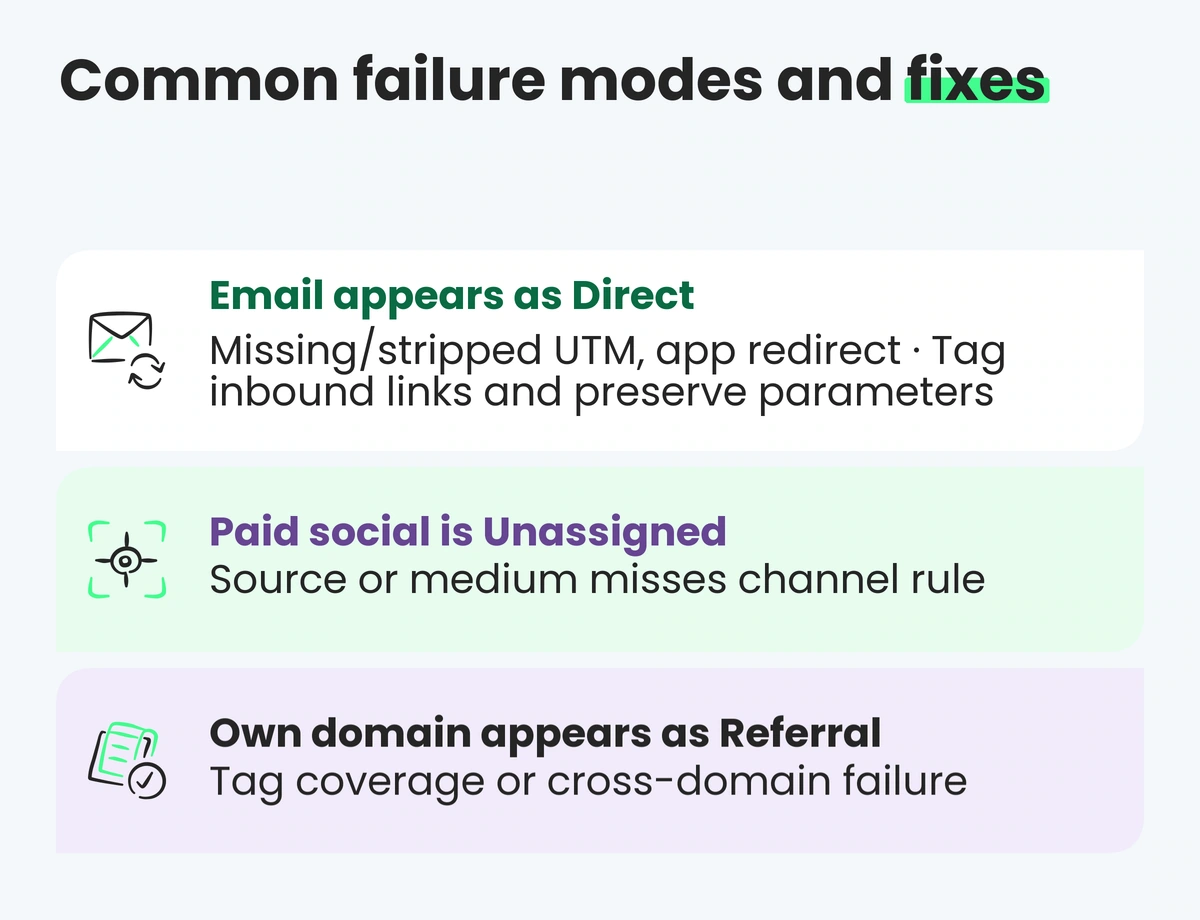
| Email appears as Direct | Missing/stripped UTM, app redirect | Tag inbound links and preserve parameters |
| Paid social is Unassigned | Source or medium misses channel rule | Use controlled, documented values |
| Own domain appears as Referral | Tag coverage or cross-domain failure | Fix tags and cross-domain measurement |
| Payment provider gets revenue credit | Return-domain referral | Review unwanted referrals and journey tracking |
| Google Ads lacks campaign detail | Product not linked, auto-tagging or GCLID lost | Link products and preserve auto-tagging |
| Source rows differ only by case | Manual naming drift | Enforce lowercase and central templates |
| Internal banner appears as a source | UTMs on internal link | Remove UTMs and use promotion events |
| Session and attribution reports disagree | Scope/model mismatch | Compare like-for-like dimensions and definitions |
(not set) rises after a release |
Tag, consent or session-start issue | Test collection and configuration changes |
How Space Ads approaches traffic-source governance
We treat source data as a governed measurement layer. The working sequence is:
- name the reporting question and required scope;
- inventory referrer, manual and auto-tagged inputs;
- define a controlled campaign taxonomy;
- preserve parameters through every landing flow;
- configure cross-domain and referral handling;
- validate source, session and key-event reporting separately;
- reconcile commercial outcomes with backend data;
- monitor new values and implementation changes.
This prevents a source-cleanup project from becoming a cosmetic dashboard exercise. Web analytics connects collection with business definitions, while a marketing audit identifies where traffic classification is too weak for budget decisions.
FAQ
What is source / medium in GA4?
It is a paired traffic-source dimension. Source identifies the origin, such as google or crm; medium describes the mechanism, such as organic, cpc or email. Always specify whether you mean first-user, session or event-scoped source / medium.
What is the difference between First user and Session source / medium?
First user describes how GA4 first acquired the recognised user. Session source / medium describes what initiated a particular session under GA4's session-attribution rules. One user can have one first-user source and many later session sources.
Why does GA4 show (direct) / (none)?
GA4 did not have a clear referral source in that traffic context. The visit may be genuinely direct or the source signal may have been missing or lost through an untagged link, document, app, blocker, shortener or redirect. Diagnose before assuming either explanation.
What is the difference between Direct and Unassigned?
Direct is a defined channel for traffic with source (direct) and medium (none) or an equivalent missing value under GA4 rules. Unassigned means no default-channel definition matched the available data. An unconventional medium often produces Unassigned rather than Direct.
Why is Session source / medium (not set)?
GA4 did not receive the value needed for that dimension. Possible causes include tag timing, missing session_start context, consent implementation, Measurement Protocol use or other configuration issues. Inspect collection and Google's current diagnostic guidance.
Should I add UTMs to every link?
No. Add acquisition UTMs to inbound campaign links you control. Never use them on internal navigation because they can overwrite acquisition context. Use promotion or custom events for banners and links inside the site.
Should Google Ads URLs have UTMs?
Use Google Ads auto-tagging and link Google Ads with GA4 wherever possible. Auto-tagging supplies richer Ads data and takes priority for traffic classification in GA4. Manual parameters may serve additional cross-platform governance, but they must not replace or strip the GCLID.
How should paid social be tagged?
Use a stable recognised source such as meta or separate platform sources if the business needs them, plus a controlled paid medium such as paid_social. Keep case and naming consistent and test the resulting Session default channel group before scaling.
Why does a payment provider appear as a referral?
The customer left for an external payment domain and returned with that domain as referrer. Review tag coverage and journey design. For an owned second domain, use cross-domain measurement; for an eligible third-party processor, review the unwanted-referrals setting.
Is source / medium the same as attribution?
No. Source / medium describes recorded traffic origin at a chosen scope. Attribution determines how key-event credit is divided across eligible interactions. Event-scoped Source / medium can reflect the attribution model; Session source / medium does not change with that setting.
Key takeaways
- Source / medium is meaningful only when its scope is named.
- UTMs, referrers, click IDs and integrations supply different parts of traffic-source data.
- Channel groups apply published rules and can use more than manual source and medium.
- Direct, Unassigned and
(not set)are distinct diagnostic states. - Never use acquisition UTMs for internal links.
- Cross-domain configuration, parameter preservation and ongoing QA are part of campaign governance.
Sources and further reading
- Google Analytics Help — Scopes of traffic-source dimensions
- Google Analytics Help — Default channel groups and current definitions
- Google Analytics Help — Campaigns and traffic sources
- Google Analytics Help — Understanding
(direct) / (none) - Google Analytics Help — What
(not set)means - Google Analytics Help — Set up cross-domain measurement
- Google Ads Help — Benefits of Google Ads auto-tagging