Schema markup is structured data added to a page, commonly as JSON-LD, that describes the page and its entities using the schema.org vocabulary. Google supports specific types and properties for particular search features. Other software may choose to parse the data, but implementation does not guarantee that it will. The business case is strongest when markup matches visible content, enables or informs a documented feature, and can be kept accurate from the same source as the page.
TL;DR
- There is no universal schema checklist. Start with the page type and a documented outcome. Common commercial use cases include WebSite, Organization, Product, BreadcrumbList, Article and LocalBusiness; specialist sites may need other supported types.
- Structured data is not a general ranking shortcut. It creates eligibility for supported features, not guaranteed display. Google also notes that richer recommended information can affect ranking within rich-result experiences, which is different from a promise to improve ordinary web ranking.
- There is no AI schema. Google's guidance on generative AI features says there is "no special schema.org markup you need to add" and that "Structured data isn't required for generative AI search".
- The FAQ rich result is gone. Google stopped showing it on 7 May 2026 and removed the feature documentation in June.
FAQPageremains in schema.org, but keeping it needs another tested consumer or internal purpose — not speculation about an AI benefit. - Organization markup is where business identity gets declared:
name,url,logo,sameAs, plus identifiers such astaxID,vatID,iso6523Code,dunsandleiCode. Google says there are no required properties — add what applies. - Product markup splits into two experiences: product snippets for pages you cannot buy from, merchant listings for pages you can. Merchant listings need real offer data — price, currency, availability.
- Consistency is non-negotiable. Google's guidelines require structured data to represent the page truthfully and prohibit marking up content hidden from readers.
- Validation has three layers. The Schema Markup Validator checks vocabulary and syntax; the Rich Results Test checks supported Google feature eligibility; URL Inspection shows what Google receives from a live URL. Not every schema type is supported by the Rich Results Test or a Search Console enhancement report.
- Markup is a declaration, not a contract. Features come and go by vendor decision. Implement types because the facts are true and useful, not because a feature exists this quarter.
What structured data buys you, and what it does not
Two Google statements set the honest boundary, and most disappointment with schema markup comes from not having read either.
The first is about features. Google's general structured data guidelines state that "Google does not guarantee that your structured data will show up in search results, even if your page is marked up correctly according to the Rich Results Test". Valid markup creates eligibility, and eligibility is not display. A page can be perfectly marked up and never show a single enhancement.
The second is about AI search, and it removes a whole category of sales pitch. Google's guidance on optimising for generative AI features says there is "no special schema.org markup you need to add" and that "Structured data isn't required for generative AI search". Anyone selling schema markup as the way into AI Overviews or AI Mode is selling something Google has explicitly said is not required.
So why implement it? Because supported structured data gives Google explicit fields it can use for eligible experiences. A product offer can expose price, currency and availability; an article can identify authors and dates; Organization markup can describe administrative details and help disambiguate a business. Your own tooling may also parse the same data. Do not extend that documented value into a claim that every retrieval system reads JSON-LD or that markup guarantees an AI citation.
That is also the boundary of this article. Which markup to write is a declaration question. How models decide what a brand is, across your site and the sources they already read, is a separate topic covered in entity SEO: how models decide what your brand is. Structured data is one input to that, not the whole of it.
Glossary
- Structured data — facts about a page expressed in a defined format so software can read them without interpreting layout.
- Schema.org — the shared vocabulary that defines the types and properties (
Organization,Product,offers,sameAs) that markup uses. - JSON-LD — the JSON-based syntax for structured data that Google recommends, placed in a
<script type="application/ld+json">block. - Rich result — a Google Search result with visual or interactive enhancements beyond a standard text result, where Google supports the relevant structured data feature.
- Eligibility — the state of qualifying for a feature. Necessary for display, never sufficient.
sameAs— a schema.org property pointing to a page on another site with additional information about the same entity.- Manual action — an action Google applies after a human review finds a policy violation. For structured data it removes rich-result eligibility for the affected page and, per Google, does not change how that page ranks in web search.
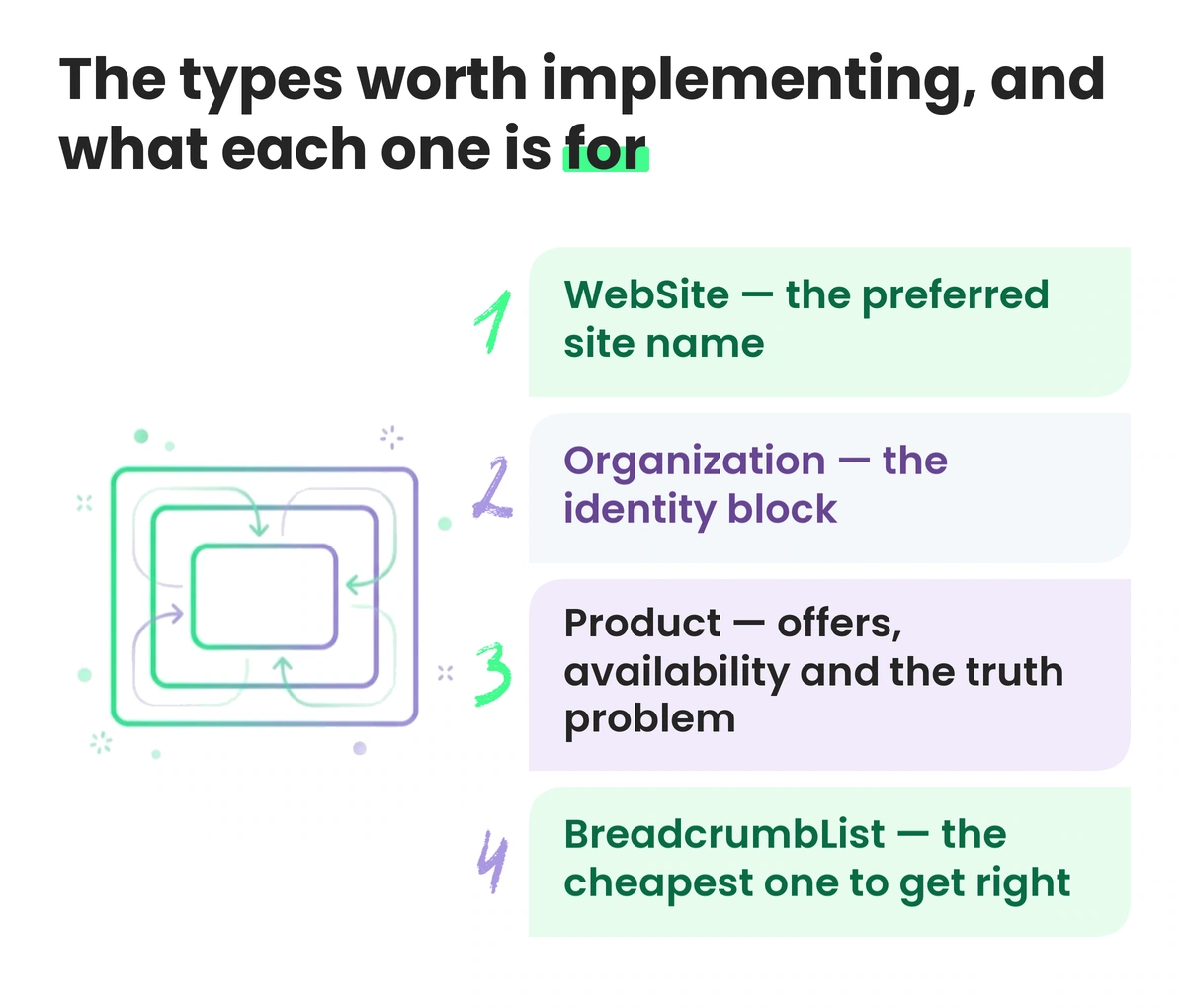
The types worth implementing, and what each one is for
The table covers common commercial use cases, not every valuable schema.org type. A recruitment site may need JobPosting, a recipe publisher Recipe, a software business SoftwareApplication, and a forum DiscussionForumPosting. Implement a type only after confirming that the page qualifies, the relevant provider still supports the feature, and the data can stay current.
| Type | Documented Google use | Where it belongs |
|---|---|---|
| WebSite | Indicates a preferred site name and alternatives; Google calls it the most important home-page signal for that preference | Domain or subdomain home page only |
| Organization | Helps Google understand administrative details, disambiguate the organisation and influence details such as a logo | Home page or one primary page describing the organisation |
| Product | Product snippets and merchant-listing experiences, including price, availability, shipping and return details | A page focused on an individual product or eligible variant structure |
| BreadcrumbList | Can show the page's position in the site hierarchy in the result | Pages with a genuine hierarchical path that the markup accurately represents |
| Article | Can help Google understand title, image, author and date information | Article, news and blog-post pages |
| LocalBusiness | Can provide hours, address and business details for eligible local-business experiences | A page describing a real business location, using the most specific applicable subtype |
| FAQPage | No Google rich result since May 2026 | Only where another defined consumer or internal system justifies maintaining visible question-and-answer data |
WebSite — the preferred site name
WebSite and Organization describe different things: the website and the organisation behind it. Google says WebSite structured data on the home page is the most important way to indicate a preferred site name, although the final name remains automated and also considers home-page content and external references. The required properties are name and the canonical home-page url; alternateName can supply a recognised acronym or backup.
Google supports one site name per domain or subdomain, not per subdirectory. Put the node on the domain or subdomain home page and keep it consistent across duplicate home-page variants. The Rich Results Test does not support site names, so use the Schema Markup Validator for syntax and URL Inspection to confirm what Google sees.
Organization — the identity block
Organization markup describes the business rather than the website. Google documents no required properties for this feature and recommends adding the properties that genuinely apply, usually on the home page or one page that describes the organisation. Useful fields can include name, url, logo, sameAs, address, contactPoint, description and applicable identifiers.
Google supports identifiers including iso6523Code, taxID, vatID, duns, leiCode and naics where they apply, and says some are used behind the scenes for disambiguation. Publish only accurate identifiers appropriate for public disclosure and the organisation's jurisdiction; do not fill fields merely because a plugin exposes them.
{
  "@context": "https://schema.org",
  "@type": "Organization",
  "@id": "https://example.com/#organization",
  "name": "Northsound Audio",
  "legalName": "Northsound Audio Ltd",
  "url": "https://example.com/",
  "logo": "https://example.com/assets/logo-600x600.png",
  "description": "Designs and sells studio monitors and audio interfaces direct to musicians in the UK and EU.",
  "foundingDate": "2014-03-01",
  "vatID": "GB123456789",
  "taxID": "123456789",
  "address": {
    "@type": "PostalAddress",
    "streetAddress": "18 Clyde Street",
    "addressLocality": "Glasgow",
    "postalCode": "G1 4LN",
    "addressCountry": "GB"
  },
  "contactPoint": {
    "@type": "ContactPoint",
    "contactType": "customer support",
    "telephone": "+44-141-000-0000",
    "email": "support@example.com",
    "availableLanguage": ["en"]
  },
  "sameAs": [
    "https://www.linkedin.com/company/example",
    "https://www.youtube.com/@example",
    "https://en.wikipedia.org/wiki/Example"
  ]
}
Use one authoritative Organization node and connect references to it consistently, for example through a stable @id in a JSON-LD graph. Multiple blocks are not inherently invalid, but duplicated nodes with different names, logos or identifiers create avoidable contradictions. Include only sameAs pages that genuinely provide additional information about the same organisation; control of the page is not a schema.org requirement.
Product — offers, availability and the truth problem
Google splits product markup into two experiences. Product snippets apply to pages where a purchase cannot be completed directly, such as editorial reviews, and lean on review information. Merchant listing experiences apply to pages where a customer can buy, and support the fuller commercial set: price, currency, availability, shipping and return details, size and colour variants. Google's documentation notes that adding the required merchant-listing properties also makes pages eligible for product snippets, and that you can supply this data through markup, a Merchant Center feed, or both — with both maximising eligibility.
{
  "@context": "https://schema.org",
  "@type": "Product",
  "name": "NS-8 Studio Monitor",
  "sku": "NS8-BLK",
  "gtin13": "0123456789012",
  "image": ["https://example.com/img/ns8-front.jpg"],
  "description": "Eight-inch two-way active studio monitor for rooms up to 20 square metres.",
  "brand": {
    "@type": "Brand",
    "name": "Northsound Audio"
  },
  "offers": {
    "@type": "Offer",
    "url": "https://example.com/monitors/ns-8",
    "price": "649.00",
    "priceCurrency": "GBP",
    "itemCondition": "https://schema.org/NewCondition",
    "availability": "https://schema.org/InStock",
    "priceValidUntil": "2026-12-31",
    "shippingDetails": {
      "@type": "OfferShippingDetails",
      "shippingRate": {
        "@type": "MonetaryAmount",
        "value": "0",
        "currency": "GBP"
      },
      "shippingDestination": {
        "@type": "DefinedRegion",
        "addressCountry": "GB"
      }
    },
    "hasMerchantReturnPolicy": {
      "@type": "MerchantReturnPolicy",
      "applicableCountry": "GB",
      "returnPolicyCategory": "https://schema.org/MerchantReturnFiniteReturnWindow",
      "merchantReturnDays": 30,
      "returnMethod": "https://schema.org/ReturnByMail",
      "returnFees": "https://schema.org/FreeReturn"
    }
  }
}
The hard part of Product markup is keeping time-sensitive fields accurate. Price, availability, shipping and return terms can change independently. Ideally the visible page, JSON-LD and product feed derive from the same commerce data. If separate systems are unavoidable, add reconciliation and alerts. Emit aggregateRating only when the rating represents genuine reviews available to users and complies with the specific review guidelines.
BreadcrumbList — the cheapest one to get right
Breadcrumb markup states where a page sits in a hierarchy. Google describes a breadcrumb trail as indicating "the page's position in the site hierarchy", which "may help users understand and explore a site effectively", and can replace the URL string in the search result. Required structure: a BreadcrumbList with an itemListElement array of ListItem entries, each with position (starting at 1), name, and item — with a documented shortcut that the final item's item may be omitted, in which case Google uses the containing page's URL. Multiple trails are allowed when a page is genuinely reachable by several paths.
{
  "@context": "https://schema.org",
  "@type": "BreadcrumbList",
  "itemListElement": [
    {
      "@type": "ListItem",
      "position": 1,
      "name": "Home",
      "item": "https://example.com/"
    },
    {
      "@type": "ListItem",
      "position": 2,
      "name": "Studio monitors",
      "item": "https://example.com/monitors"
    },
    {
      "@type": "ListItem",
      "position": 3,
      "name": "NS-8 Studio Monitor"
    }
  ]
}
Generate BreadcrumbList from the same taxonomy or navigation data as the visible hierarchy where possible. A separate hard-coded array can drift from the actual site structure, particularly after category renames and migrations.
Article — authorship and dates, stated properly
Google documents Article, NewsArticle and BlogPosting as the supported types, with no required properties, and recommends author, datePublished, dateModified, headline and image. It says the markup "can help Google understand more about the web page and show better title text, images, and date information", and notes that there is no markup requirement to be eligible for News features — the markup makes the content explicit rather than opening a gate.
The author guidance is specific and routinely broken. Google's best practices say to list each author in their own author field rather than combining them, to put only the name in author.name with no job titles, honorifics or publisher names attached, to use Person for people and Organization for organizations, and to give a valid url or sameAs pointing at a page about that author.
{
  "@context": "https://schema.org",
  "@type": "BlogPosting",
  "headline": "How to position studio monitors in a small room",
  "image": ["https://example.com/img/monitor-placement.jpg"],
  "datePublished": "2026-07-23T11:00:00+02:00",
  "dateModified": "2026-07-23T11:00:00+02:00",
  "author": [
    {
      "@type": "Person",
      "name": "Alex Fraser",
      "url": "https://example.com/authors/alex-fraser"
    }
  ],
  "publisher": {
    "@type": "Organization",
    "name": "Northsound Audio",
    "@id": "https://example.com/#organization"
  },
  "mainEntityOfPage": {
    "@type": "WebPage",
    "@id": "https://example.com/blog/monitor-placement"
  }
}
Use ISO 8601 dates with the correct timezone. dateModified should reflect a meaningful update to the article, not every deployment or template rebuild. Keep the visible date and markup consistent, and document which editorial change is allowed to update the field.
LocalBusiness — when there is a place
Use LocalBusiness when the page describes a real local business location and use the most specific applicable subtype. Google requires name and address for the feature and recommends relevant properties such as openingHoursSpecification, geo, telephone, priceRange, url and department. Do not create fictional location pages or mark a national online service as a walk-in business merely to obtain local markup.
{
  "@context": "https://schema.org",
  "@type": "MusicStore",
  "name": "Northsound Audio Showroom",
  "url": "https://example.com/showroom",
  "telephone": "+44-141-000-0000",
  "priceRange": "££",
  "address": {
    "@type": "PostalAddress",
    "streetAddress": "18 Clyde Street",
    "addressLocality": "Glasgow",
    "postalCode": "G1 4LN",
    "addressCountry": "GB"
  },
  "geo": {
    "@type": "GeoCoordinates",
    "latitude": 55.85862,
    "longitude": -4.25763
  },
  "openingHoursSpecification": [
    {
      "@type": "OpeningHoursSpecification",
      "dayOfWeek": ["Monday", "Tuesday", "Wednesday", "Thursday", "Friday"],
      "opens": "10:00",
      "closes": "18:00"
    },
    {
      "@type": "OpeningHoursSpecification",
      "dayOfWeek": "Saturday",
      "opens": "11:00",
      "closes": "16:00"
    }
  ]
}
The markup does not replace Business Profile management. Keep the address, hours, phone number and location status consistent between the page, structured data and the profile. When temporary or holiday hours change, update the appropriate systems rather than assuming one will overwrite another.
FAQPage — valid vocabulary, no current Google feature
This is the honest one. FAQ rich results were restricted in 2023 to well-known, authoritative government and health websites, and Google's FAQ documentation then records the rich result no longer being shown in Search as of May 2026, with the feature documentation removed in June 2026. So: adding FAQPage markup to a commercial site does not produce a Google search feature, and has not for years in practice.
FAQPage remains a schema.org type, but Google no longer documents a Search feature for it. Another application may parse the question-and-answer relationship, yet that benefit should be tested for the consumer in scope rather than assumed. If no supported feature, internal system or partner requires it, removing the markup reduces maintenance without removing the visible FAQ. Never invent questions solely to create structured data.
{
  "@context": "https://schema.org",
  "@type": "FAQPage",
  "mainEntity": [
    {
      "@type": "Question",
      "name": "How long is the warranty on Northsound monitors?",
      "acceptedAnswer": {
        "@type": "Answer",
        "text": "All Northsound monitors carry a five-year hardware warranty from the date of purchase, covering parts and labour on manufacturing faults."
      }
    },
    {
      "@type": "Question",
      "name": "Do you ship to the EU?",
      "acceptedAnswer": {
        "@type": "Answer",
        "text": "Yes. Orders ship from Glasgow to all EU member states, with duties and VAT calculated at checkout."
      }
    }
  ]
}
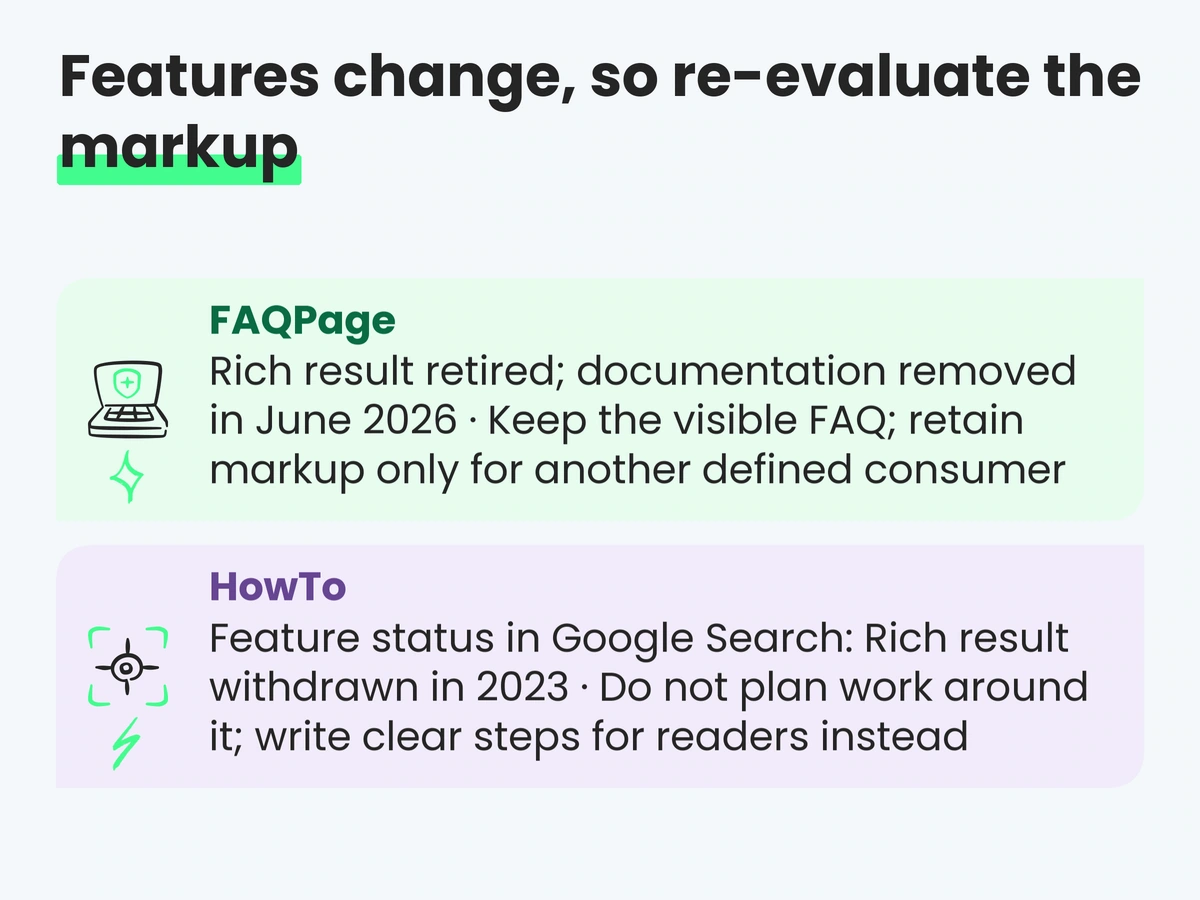
Features change, so re-evaluate the markup
FAQ is not the only feature Google has withdrawn. HowTo rich results went the same way, announced alongside the FAQ restriction in 2023. The pattern is worth internalising before planning any schema project around a feature.
| Markup | Feature status in Google Search | What to do |
|---|---|---|
FAQPage |
Rich result retired; documentation removed in June 2026 | Keep the visible FAQ; retain markup only for another defined consumer |
HowTo |
Rich result withdrawn in 2023 | Do not plan work around it; write clear steps for readers instead |
Product |
Actively supported, split into snippets and merchant listings | Maintain it from the same source as your feed |
WebSite |
Actively supported for site-name preferences | One consistent node on the domain or subdomain home page |
Organization |
Actively supported with administrative and identifier properties | Maintain one authoritative organisation node on the recommended primary page |
BreadcrumbList |
Actively supported | Generate from the same data as visible navigation |
Article |
Supported as an understanding aid rather than a gate | Correct authors and honest dates |
The lesson is not to remove all structured data when one feature disappears. Reassess each type against a current consumer and maintenance cost. Markup tied to an active feature or internal data workflow may remain valuable; unsupported markup with no tested consumer can be removed while the useful visible content stays.
Consistency: where markup becomes a liability
Google's general structured data guidelines are unusually direct here. Structured data "must be a true representation of the page content". Don't mark up content that is not visible to readers of the page. Don't mark up irrelevant or misleading content. And the consequence is specific: a structured data manual action "means that a page loses eligibility for appearance as a rich result; it doesn't affect how the page ranks in Google web search".
Bad markup can prevent an enhancement from appearing or trigger a structured-data manual action. A missing rich result alone does not prove a markup problem, because Google never guarantees display; use the relevant tests and Search Console reports where available.
Common contradictions to check include:
- Price in JSON-LD, different price on the page. Usually a caching layer or a currency switcher the markup does not know about.
InStockon a sold-out product, because availability is rendered client-side and the JSON-LD is built server-side from a stale field.aggregateRatingwith no visible reviews — a review widget writing markup on templates where it has nothing to show.- FAQ markup for questions that are not on the page, added as a block in a template rather than generated from visible content.
- An
authorwho appears nowhere in the visible article, or an author field containing a job title, a publisher name, or "Admin". - Opening hours that disagree with the Business Profile, usually because one was updated and the other was not.
- Conflicting Organization nodes — for example, theme and plugin output with different names, logos or profiles.
There is also a basic data-quality reason to care: a consumer that parses both the page and JSON-LD receives conflicting values. Its resolution behaviour is product-specific and often undocumented, so do not assume which value will win. Prevent the conflict at source and monitor the fields that change most often.
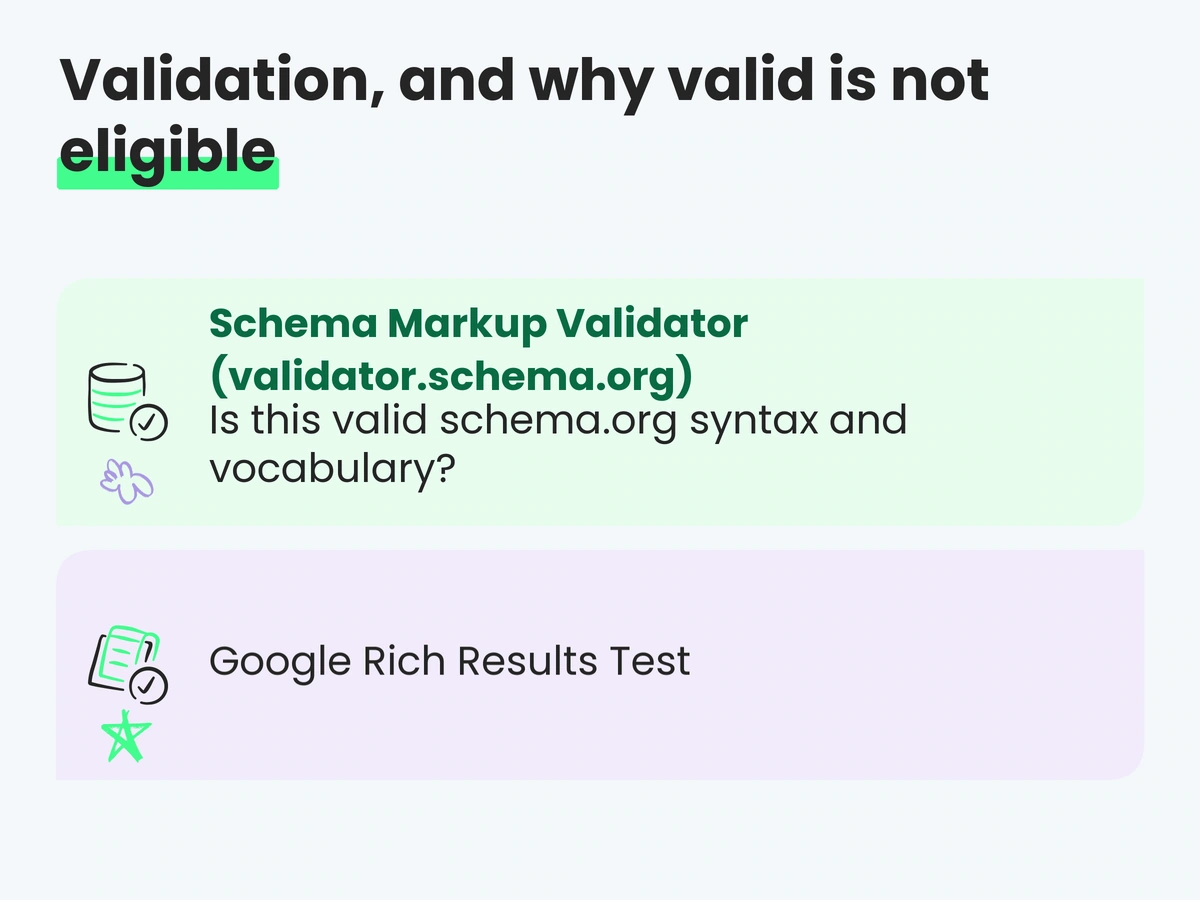
Validation, and why valid is not eligible
Three tools, three different questions. Confusing them wastes a lot of debugging time.
| Tool | Question it answers | What it will not tell you |
|---|---|---|
Schema Markup Validator (validator.schema.org) |
Is this valid schema.org syntax and vocabulary? | Whether Google supports it or will use it |
| Google Rich Results Test | Does Google support this markup for a tested rich-result type, and are required fields present? | Unsupported types such as site-name WebSite, or whether a result will actually show |
| URL Inspection | What rendered HTML and indexing information does Google expose for a live URL? | A complete site-wide structured-data inventory |
| Search Console enhancement reports | For supported report types, which crawled items Google detects as valid or problematic at scale? | Schema types without a report, uncrawled changes, or guaranteed display |
Use the tools according to the feature. Validate vocabulary and syntax, run the Rich Results Test only for supported Google features, inspect representative live URLs, and monitor the relevant Search Console enhancement report when one exists. Sample edge cases as well as the ideal page — out-of-stock products, variants, multiple authors, holiday hours and missing optional fields.
Two checks are good candidates for automation. First, test the rendered output, particularly when JavaScript injects the JSON-LD. Second, reconcile time-sensitive fields such as price, currency and availability against the page and commerce source. Automated tests catch drift; a human still needs to verify that the type is relevant and the claim is true.
How we approach this at Space Ads
Space Ads begins with an inventory of the rendered output by template. Themes, SEO plugins, commerce systems and review or booking widgets can all emit JSON-LD, so we identify which component owns each entity and whether duplicated nodes agree. The goal is not the fewest possible blocks; Google supports multiple applicable items. The goal is one coherent graph of true entities without competing versions of the same fact.
Priority follows business value and documented feature support. An e-commerce site may start with broken Product offers; a publisher with Article authorship; a multi-location company with LocalBusiness data; any site with an incorrect displayed site name should inspect WebSite markup. Stable organisation and website nodes provide shared references, while product, article and location data should come from the operational source that already owns those facts. The wider programme is described on our AI SEO service page, where structured data sits alongside crawl access, content and entity consistency rather than being sold as a standalone AI ranking tactic.
Space Ads does not present markup as a guaranteed AI visibility lever, because Google explicitly says no special schema is required for its generative search features. The defensible value is feature eligibility where Google documents it, a consistent data layer for systems that demonstrably consume it, and fewer contradictions between the page, markup, profile and feed.
An eight-step implementation plan
- Inventory what exists. For each template type — home, category, product, article, location, contact — list every JSON-LD block currently emitted and which system emits it.
- Assign ownership per entity and field. Decide which source owns website name, organisation details, product offers, authors, locations and reviews. Consolidate or connect duplicates rather than disabling valid related entities blindly.
- Establish WebSite and Organization nodes on their recommended primary pages, with accurate applicable fields, stable identifiers and genuine
sameAsreferences. - Wire Product markup to the same source as the feed — price, currency, availability, shipping and returns — so the two cannot disagree.
- Generate breadcrumbs from the navigation data that renders the visible trail.
- Populate Article fields from editorial records: one entry per author, a real author page where available, and
dateModifiedtied to a meaningful editorial update rather than every deploy. - Validate with the appropriate tools: schema.org syntax, Rich Results Test for supported features, URL Inspection for live rendered output and Search Console enhancement reports where available.
- Add a contradiction check to your build or monitoring: compare markup values against rendered page values, and alert on divergence rather than waiting for a report to go quiet.
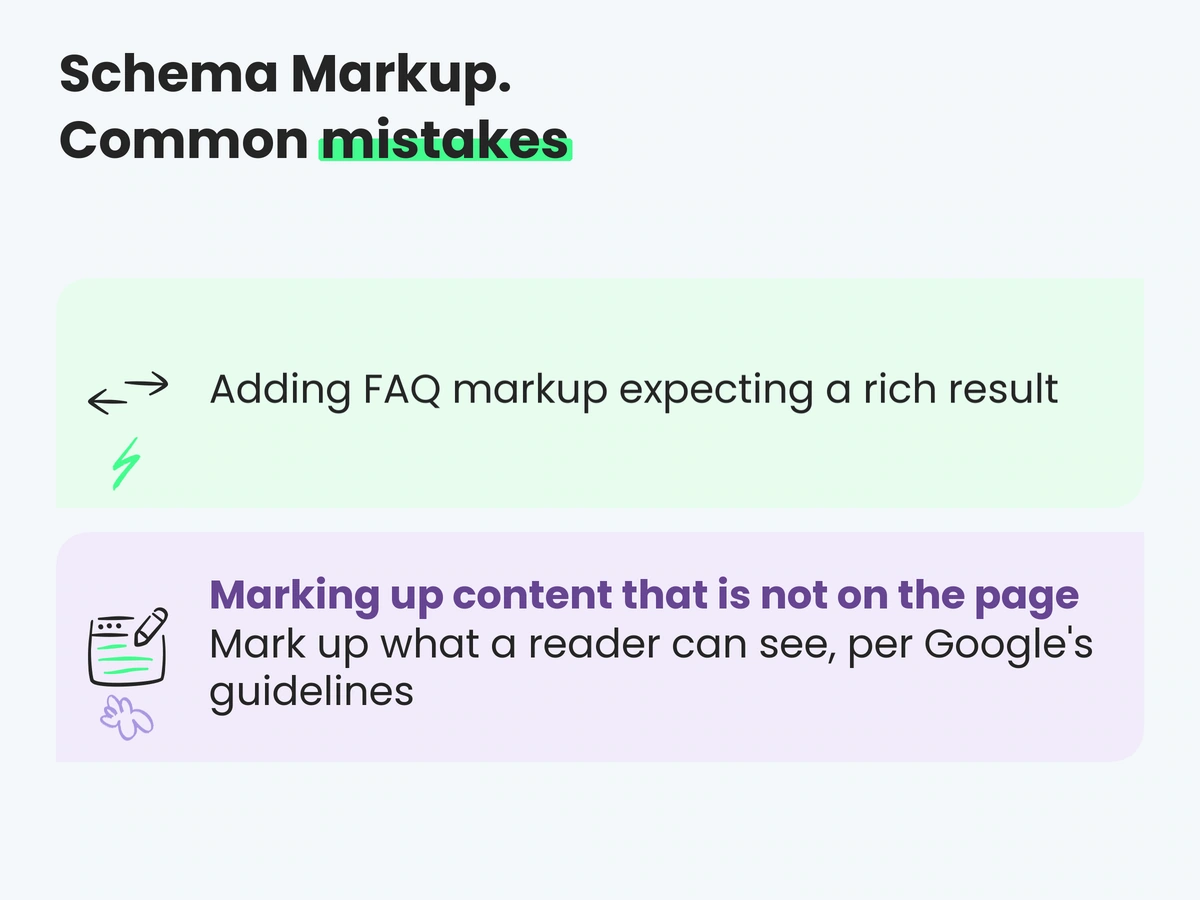
Common mistakes and what to do instead
| Common mistake | Do this instead |
|---|---|
| Adding FAQ markup expecting a rich result | Keep the useful visible FAQ; retain markup only for another defined consumer |
| Marking up content that is not on the page | Mark up what a reader can see, per Google's guidelines |
aggregateRating on pages with no reviews |
Emit ratings only from real, visible reviews on that page |
| Conflicting Organization nodes from theme and plugins | Assign one authoritative source and connect consistent references with a stable @id where appropriate |
| Product markup built separately from the feed | One source for price, currency, availability, shipping and returns |
dateModified bumped on every deploy |
Update it for a meaningful editorial change, in timezone-qualified ISO 8601 |
Job titles or publisher names inside author.name |
Name only; use url or sameAs for the author page, Person for people |
| Validating the template source instead of the rendered page | Test what a crawler receives, especially with client-side injection |
| Selling or buying schema as an AI ranking factor | Quote Google: no special markup is needed for generative AI features |
Generic LocalBusiness on every location page |
Use the most specific subtype, with hours matching the Business Profile |
FAQ
What is schema markup?
Schema markup is structured data added to a web page using the schema.org vocabulary, usually as JSON-LD. It identifies the type of thing a page describes and provides properties such as name, author, price or address. Providers decide which types and properties they support. In Google Search, compliant markup can create eligibility for documented features but does not guarantee display.
Does structured data improve rankings?
It is not a general ranking shortcut. Google's guidelines say correct markup does not guarantee a rich result, and a structured-data manual action removes rich-result eligibility without changing how the page ranks in web search. Google also says completeness can improve result quality and that rich-result ranking may consider additional information. Treat structured data as feature eligibility and data quality, not a promise that an ordinary result will move up.
Is there special schema markup for AI search?
No. Google's guidance states that its generative Search features need no special schema.org markup and do not require structured data. Standard types that match visible content remain useful for documented Search features and for systems you know parse them, but no AI-specific schema type guarantees inclusion or citation.
Does FAQPage schema still do anything?
It no longer produces a rich result in Google Search. Google stopped showing the feature on 7 May 2026 and removed its documentation in June. FAQPage remains part of schema.org, but another consumer must choose to parse it. Keep the visible FAQ when it helps users; keep the markup only when a defined system, partner or internal workflow uses it.
Which schema types should a small business start with?
Start with the supported use case, not company size. WebSite on the home page can indicate the preferred site name. Organization can describe the business. Add BreadcrumbList where pages have a real hierarchy, LocalBusiness for genuine locations and Product for individual products sold or reviewed. Implement only properties that apply and can remain accurate.
What does an online store need beyond Product markup?
Organization for brand identity, BreadcrumbList for category and product hierarchy, and Product with a complete offers object: price, currency, availability, and where applicable shipping and return details. Google supports supplying this data through markup, a Merchant Center feed, or both, and notes that providing both maximises eligibility for merchant experiences.
JSON-LD, Microdata or RDFa?
JSON-LD, in a <script type="application/ld+json"> block. Google recommends it, and practically it keeps structured data out of your presentational HTML, so redesigns do not silently break markup and markup changes do not risk the layout.
How do I check my structured data is correct?
Validate syntax and vocabulary with the Schema Markup Validator at validator.schema.org, check feature eligibility for a representative URL per template with Google's Rich Results Test, and monitor detection at scale in Search Console's enhancement reports. Always test the rendered page rather than the template source when markup is injected by JavaScript.
What happens if my markup contradicts the page?
The page may lose feature eligibility, and a policy violation can lead to a structured-data manual action. Any other consumer that parses both the page and JSON-LD also receives conflicting values, but its resolution behaviour is product-specific. Correct the source data rather than assuming which representation will win.
Do I need structured data on every page?
No. Put markup on the page it describes, following the feature-specific location rules. Some site-wide templates legitimately repeat consistent references or breadcrumb data, while types such as WebSite and complete Organization information belong on the primary pages Google documents. Avoid applying a type to pages it does not represent.
Sources and further reading
- Google Search Central — General structured data guidelines
- Google Search Central — Site names and WebSite structured data
- Google Search Central — Organization structured data
- Google Search Central — Product structured data
- Google Search Central — Article structured data
- Google Search Central — Breadcrumb structured data
- Google Search Central — Local business structured data
- Google Search Central — Changes to HowTo and FAQ rich results (the 2023 restriction)
- Google Search Central — Documentation updates: FAQ rich result retirement
- Google Search Central — Optimizing for generative AI features in Google Search
- Schema.org — Full type hierarchy and the Schema Markup Validator
Feature availability above reflects Google's documentation as of July 2026. Google adds and retires rich results without notice, so check the relevant documentation page before planning work around a specific feature.
In short
- Structured data describes page entities and properties in a standard vocabulary. For supported Google types it creates feature eligibility, not guaranteed display or a general ranking boost.
- Common commercial use cases include WebSite, Organization, Product, BreadcrumbList, Article and LocalBusiness. Specialist sites need different supported types; FAQPage has no current Google feature.
- Google says no special schema is needed for generative AI features, and that it does not guarantee rich results even for correct markup.
- The FAQ rich result was retired in 2026 and HowTo in 2023. Reassess unsupported markup against a real consumer and maintenance cost.
- Markup that contradicts visible content can prevent eligibility or create a policy issue. Maintain an authoritative source for each changing fact.
- Validate schema.org syntax, use the Rich Results Test only for supported features, inspect rendered live URLs and monitor Search Console enhancement reports where they exist.
Continue reading
- Entity SEO: How Models Decide What Your Brand Is
- AI SEO: How to Optimize for Search Engines, AI Overviews and LLMs
- llms.txt: What the File Does and What It Cannot Do
- GEO for E-commerce: Product Visibility in AI Overviews, ChatGPT and Perplexity
- What Is an SEO Audit and How to Do It Properly
- AI SEO · Marketing audit · Contact Space Ads